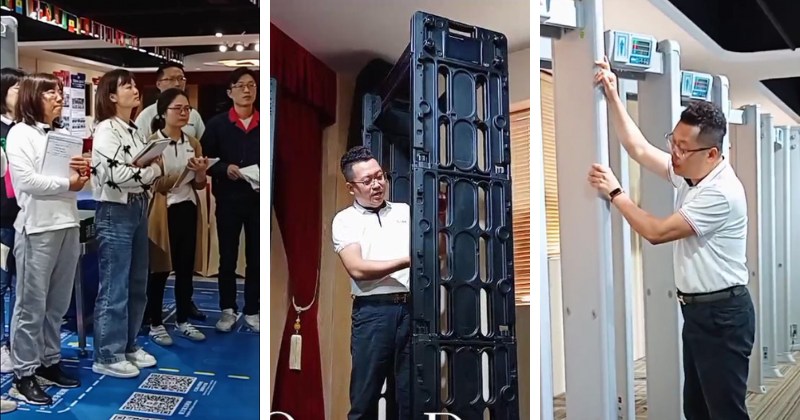
Problem 1: Power off.
Solution: First, check if the battery is installed. For safety during transport and storage, the 620S does not come with a battery installed at the factory. Therefore, you must install the battery before use. The correct method is to purchase batteries from a reputable manufacturer.
If the handheld 620S came with batteries, use the provided Phillips screwdriver to open the battery cover on the back of the handle, correctly install two AA batteries by pressing the positive and negative terminals, then tighten the battery cover. Pressing the power button should then work normally.
Problem 2: Unable to detect small metals.
Solution: First, check if the power is on. Then, check the sensitivity adjustment button, located on the right side of the 620S panel. There are three sensitivity levels: low, medium, and high. Adjust the sensitivity to high and then try detecting metal again. You should find it works normally.
This is because the three levels detect metals of different sizes. Low detects larger areas and weights, medium detects moderate sizes, and high detects smaller metals. Adjust the three levels according to your needs.

Problem 3: No alarm.
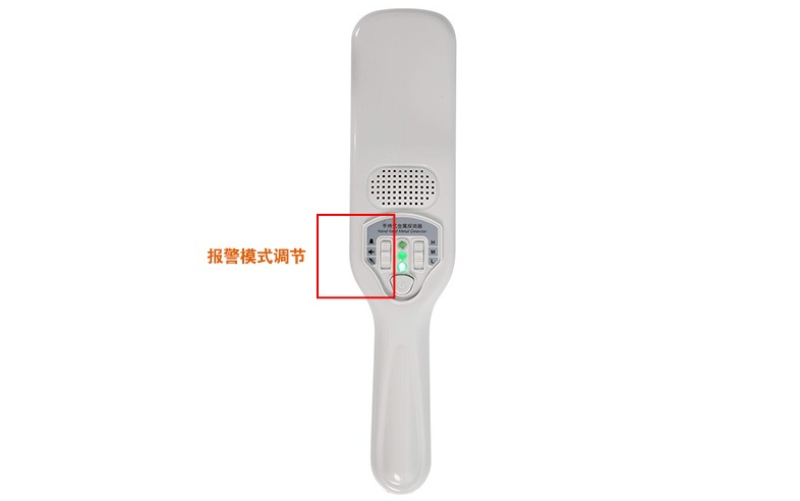
Solution: First, check if the detector is detecting metal. If it is, check the adjustment keys on the left side of the panel. There are three settings: up for audible alarm, middle for mute, and down for vibration. Set the adjustment key to the audible setting and try detecting metal again; you should now hear an audible alarm.
Set the adjustment key to the vibration setting and try detecting metal again; you should now hear a vibration alarm. The problem is solved.